
Smart digital menus for your business
Turn your cafe, restaurant or shop into a beautiful QR menu. Customers scan, browse and order from their phone — no app to install.
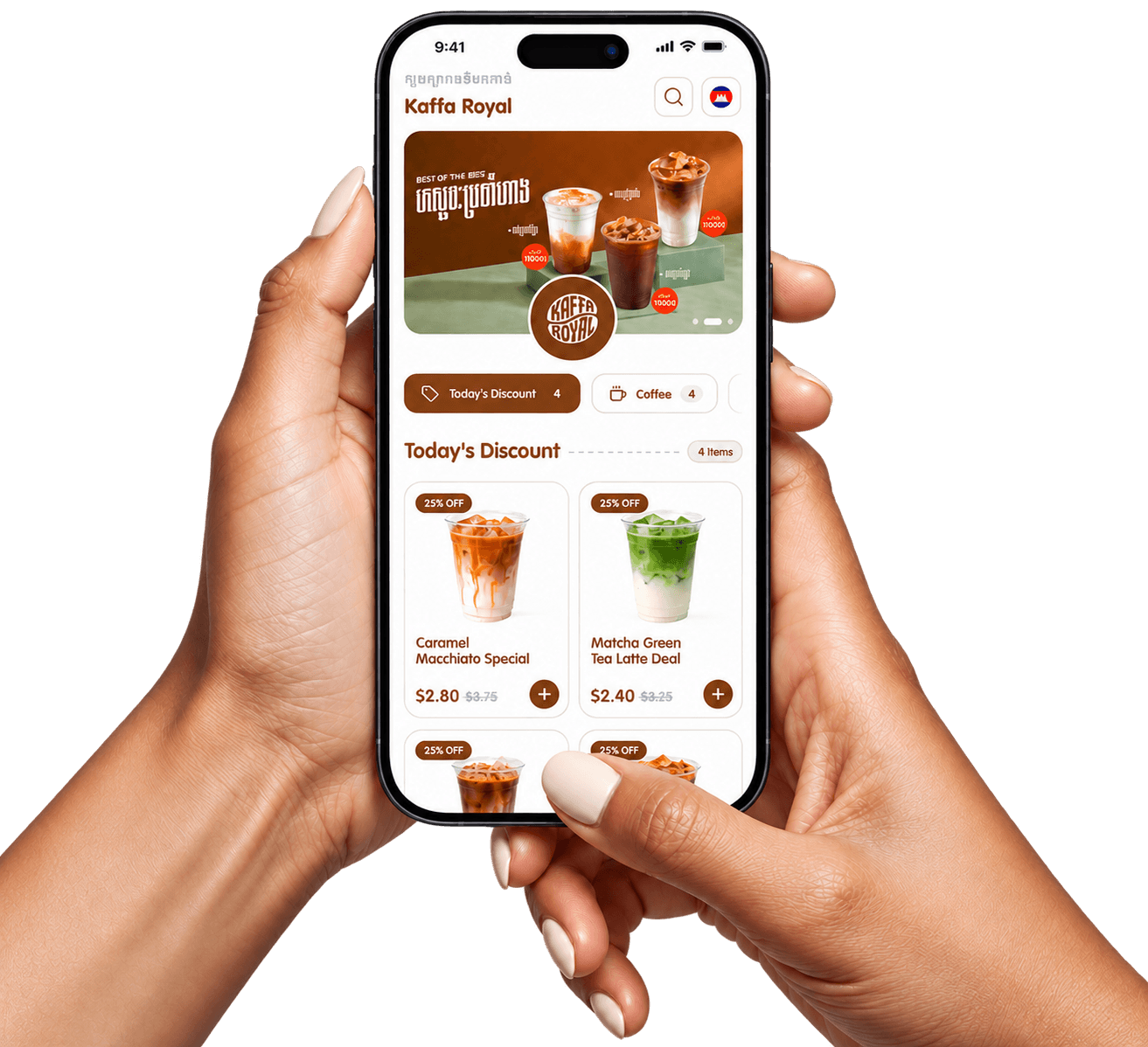
How Smart Digital Menu Works
Go from a paper menu to a digital one in four simple steps. Set up your menu once, print your QR code, and customers order straight from their phone — no app to install.
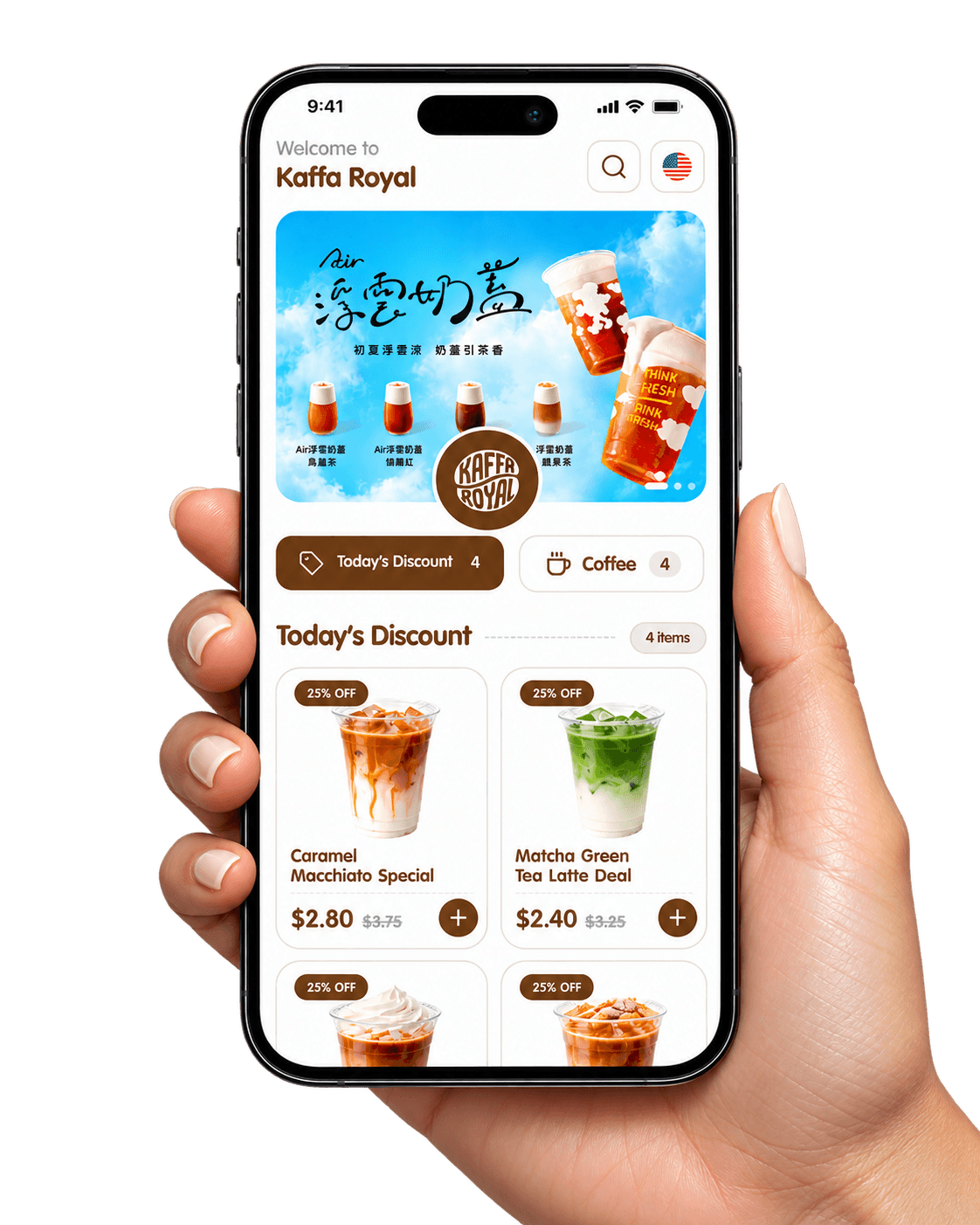
Create Your Menu
Add your items, photos, prices and options, then pick a theme and colors that match your brand.
Generate Your QR Code
Get a QR code for your store, ready to print on tables, counters, flyers and packaging.
Customers Scan
Customers point their phone camera at the code and your menu opens instantly in the browser.
Explore the Menu
They browse categories, switch language and pick sizes and options, then send their order.
Discover Smart Features
Everything you need to run a modern menu — built for cafes, restaurants and shops in Cambodia.
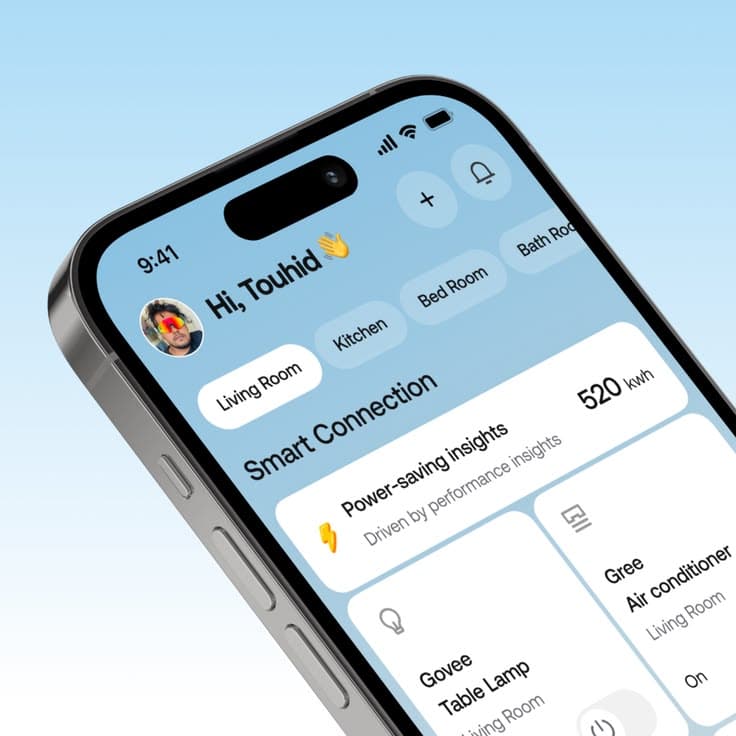
Instant QR Code Menu
One scan opens your menu in the phone's browser. No app, no download.
Multilingual Menus
Show your menu in Khmer, English and Chinese, switched in one tap.
Real-Time Menu Updates
Change prices, items and photos anytime. Customers see it instantly.
Rich Menu Presentation
Large photos, categories, sizes and options that make every dish look its best.
Restaurant Branding
Your logo, colors and theme, so the menu feels like your own store.
Menu Analytics
See which items customers view and order most to plan your menu better.
Responsive Design
Looks sharp on every phone, tablet and screen size.
Item Availability
Mark items as sold out or available again in seconds.
Our clients
Cafes, restaurants and shops already serving their customers with Bong Menu.
Kaffa Royal
Specialty coffee & drinks
Chill Coffee
Relaxed neighborhood café
Ba Ek' Coffee Shop
Fresh Khmer coffee daily

Lora
Modern women's fashion
- S
Sokha Grill
Grilled meats & Khmer dishes
- H
Hasa Living
Home décor & furniture
- A
Amara Boutique
Clothing & accessories
- M
Matcha Leaf
Matcha drinks & desserts
Why Choose Digital Menus
Traditional printed menus can become outdated whenever prices, availability, or dishes change. Smart Digital Menu makes it easier to keep your information current.
No Reprinting for Routine Updates
Change menu prices and descriptions digitally instead of repeatedly printing new menus.
Convenient Customer Access
Guests can scan the QR code using their own smartphones.
Better Food Presentation
Use attractive food photography and helpful descriptions.
Consistent Menu Information
Help staff and customers refer to the same published menu.
Flexible for Growing Businesses
Start with one menu and expand into more categories, languages, or locations as supported.
Works with Bong POS
Connect your menu to Bong POS so the counter and the QR menu share the same items and prices.
One Dashboard.
Complete Menu Control.
Manage your restaurant's menu from one intuitive dashboard. Add new dishes, adjust prices, update images, reorganize categories, and publish changes without technical expertise.
- Add new dishes
- Adjust prices
- Update images
- Reorganize categories
- Publish changes
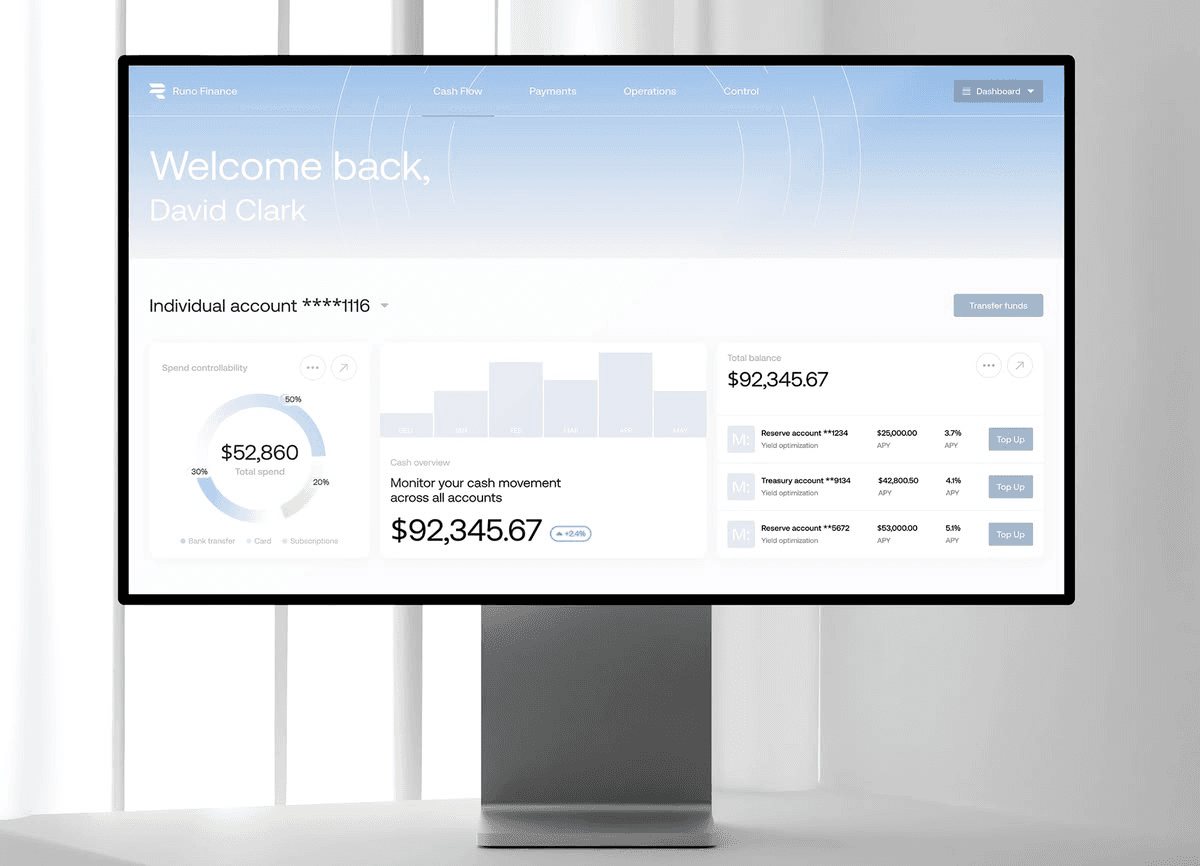
Run your counter with Bong POS
Bong POS is the point-of-sale system that works together with Bong Menu. Take orders at the counter, get paid and keep track of every sale — with the same items and prices as your menu.
Take orders fast
Ring up orders at the counter in a few taps, including sizes and options.
Same menu everywhere
Items and prices come from your Bong Menu dashboard, so the counter and the QR menu always match.
Get paid your way
Record cash and digital payments for every order.
Know your sales
See daily sales and best-selling items at a glance.
Themes
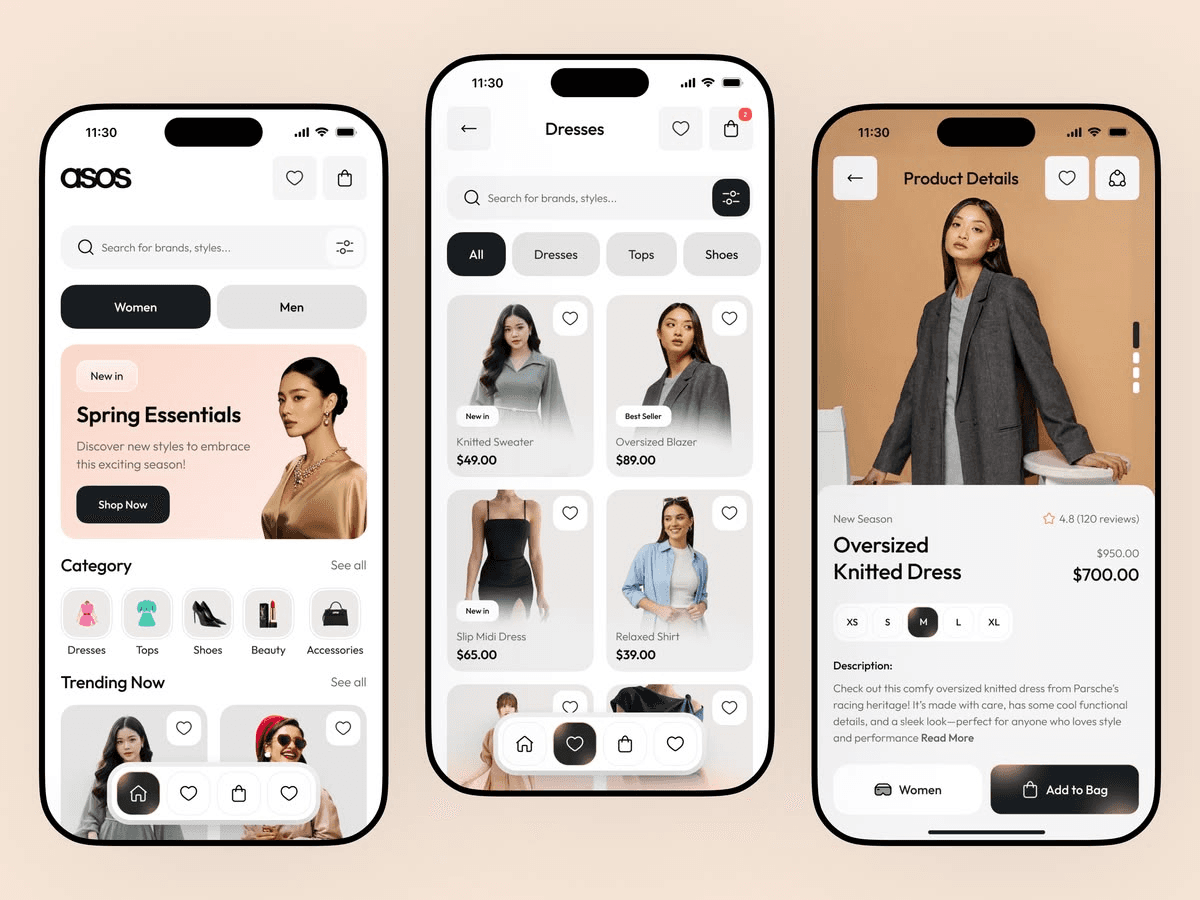
Each theme is a complete storefront layout with ready-made color schemes.
 View demo menu
Coffee House
Warm brown layout with a category side menu, built for coffee shops and cafes.
- View demo menu
Food & Grill
Bold menu layout with a sticky category bar, built for restaurants and eateries.
- View demo menu
Matcha & Organic
Fresh, light menu layout built for tea, juice and healthy drink bars.
- View demo menu
Home & Living
Catalogue layout with large product photos, built for furniture and home decor.
- View demo menu
Fashion Clothing Theme One
App-style shop layout with category pills and a two-up product grid, built for fashion stores.
- View demo menu
Fashion Clothing Theme Two
App-style shop layout with category pills and a two-up product grid, built for fashion stores.
20% offBased on $10/month
Simple, transparent pricing
Pick the plan that fits your business. Every plan includes a QR code menu with no app to install.
6 months
Pay for six months at a time.
$48/6 months
Full price $60Save 20%
- QR code menu
- Khmer, English and Chinese
- Unlimited menu items
- All themes and colors
- Your logo and brand colors
- Menu analytics
- Best value
1 year
Pay once a year — the best value.
$96/year
Full price $120Save 20%
- QR code menu
- Khmer, English and Chinese
- Unlimited menu items
- All themes and colors
- Your logo and brand colors
- Menu analytics
Enterprise
For chains and groups with several branches.
Custom
- Multiple branches
- Everything in the yearly plan
- Help setting up your menu
- Priority support
Frequently asked questions
Quick answers about how Bong Menu works for your business and your customers.
What is Bong Menu?
Bong Menu is a digital menu for cafes, restaurants and shops. You put your items, prices and photos online, and customers open the menu on their phone by scanning a QR code.
Do my customers need to install an app?
No. The menu opens in the phone's web browser as soon as the QR code is scanned — nothing to download or sign up for.
Which languages does the menu support?
Khmer, English and Chinese. Customers switch language with one tap, and Khmer text uses a font made for Khmer script.
Can I change how my menu looks?
Yes. Pick a theme made for your type of business, then choose one of its color schemes to match your brand.
How do I update items and prices?
Update them from your dashboard. The menu shows the new items and prices without printing a new QR code.
Can customers order from the menu?
Yes. Customers choose sizes and options, add items to their cart and send the order from their phone.
What is Bong POS?
Bong POS is our point-of-sale system for the counter. It uses the same items and prices as your Bong Menu, and you can get both together in the Bong POS + Bong Menu plan.